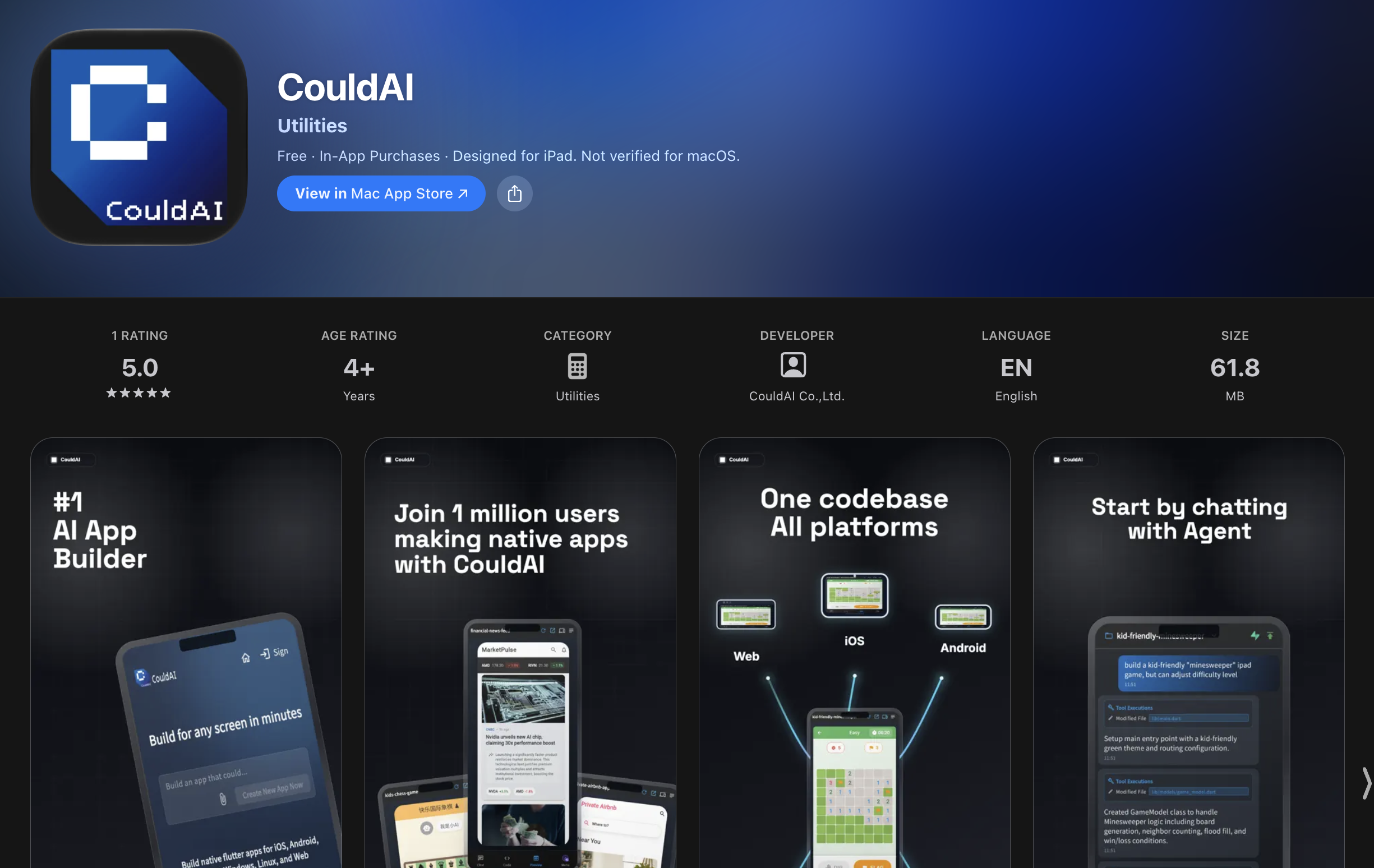
CouldAI for iOS is now available on the App Store. You can use your iPhone or iPad to describe an idea, work with an AI agent, and start creating a native app wherever inspiration finds you.
Following our Google Play launch, this brings the CouldAI app-building workflow to more mobile creators. Whether you are sketching a side project on your phone or reviewing a larger workspace on your iPad, you can move an idea forward without waiting to get back to your desk.
From an Idea to an App, Wherever You Are
Start with what you want to make: a travel planner, a booking tool for your business, or a game for your family. Describe the screens, behavior, and details that matter. CouldAI's agent works on the interface and application logic, and you can keep refining the result through conversation.
The iOS client is another way to work with CouldAI's cross-platform app builder. Your project uses a shared Flutter codebase that can target iOS, Android, web, Windows, macOS, and Linux. You can start from your phone while keeping the broader product in view.
Recent Updates That Make Mobile Building Easier
Alongside the App Store release, recent client updates make it easier to guide the agent, share context, and keep working across short sessions. Here are a few highlights.
Guide the Agent While It Works
You can now send follow-up instructions while an active coding task is running, including attachments. If you remember a requirement or find a useful reference, add it to the conversation as the agent works. Clarification replies also support attachments, so you can answer a question with both an explanation and supporting material.
For example, start by asking for a booking app, then share a reference image and ask for a simpler reservation form. The conversation can develop along with your idea.
Follow Progress and Reconnect to Your Task
Live assistant messages and task progress make longer coding sessions easier to follow. Recent improvements also strengthen task reconnection and restore follow-up messages when the client catches up with an ongoing session.
If a task is interrupted and needs your input to continue, the client shows that state and lets you send a message to resume. This is especially useful when you are building between other activities on your phone.
A Workspace That Fits Your iPad
The editor now adapts to the available screen width, giving larger iPad screens a more spacious layout. Layout updates also respond to screen-size changes, making it easier to move between compact and wider views while working on a project.
Native file selection has also been improved for chat attachments and backend storage uploads. Bringing reference material or files into your project feels more at home on iOS.
Choose the AI Model for Your Project
CouldAI lets you choose from supported models by providers including OpenAI and Anthropic within the same workflow. Recent model-selection updates expand the available choices, so you can pick a model for the task while CouldAI manages the project context and coding tools.
Manage Plans and Credits Inside the App
The iOS client now supports App Store subscriptions and credit top-ups through in-app purchases. You can manage your plan or add credits from the app when you need more capacity to continue building. Plan comparisons also show monthly project allowances more clearly.
Try Your First Project on iOS
- Install CouldAI: Open the App Store listing on your iPhone or iPad and download the app.
- Describe a focused idea: Explain who the app is for, its main screens, and the first thing users should be able to do.
- Add useful context: Attach a reference image or file, and answer any questions from the agent.
- Review and refine: Follow the progress, look over the result, and ask for the next improvement.
A small, specific first request gives you something concrete to build on. Try asking for a personal reading tracker with a book list, reading status, and a simple details screen, then improve it one conversation at a time.
Download CouldAI for iOS
Your next app can start with an idea and the device already in your hand. Get CouldAI on the App Store and start building on your iPhone or iPad.
You can also build with CouldAI on the web, explore our app-building features, or read about CouldAI for Android.